A Parent Can't Work the TV Remote
Too many buttons, the wrong input every week, and a TV that is 'broken' until someone visits or talks them through it
The short answer
The fix for a remote with too many buttons is fewer buttons, not bigger ones. The Flipper leaves a handful of large buttons on show: power for the TV and cable box together, channel, and volume. Every other function is hidden under a sliding cover, and a favourites setting means channel up and down move only through the channels your parent watches, so the wrong input and the lost place stop happening. It holds 4.5 stars from 374 reviews at AlzProducts, a retailer for memory and senior care (November 2026). One boundary decides whether this page applies to your house: the Flipper works by infrared, like the remotes it replaces. It runs a TV and a cable or satellite box. It does not run streaming apps, so a household that watches through a Roku, Fire TV, or the TV's own apps needs a different answer, and no simple remote changes that.
Why does this happen?
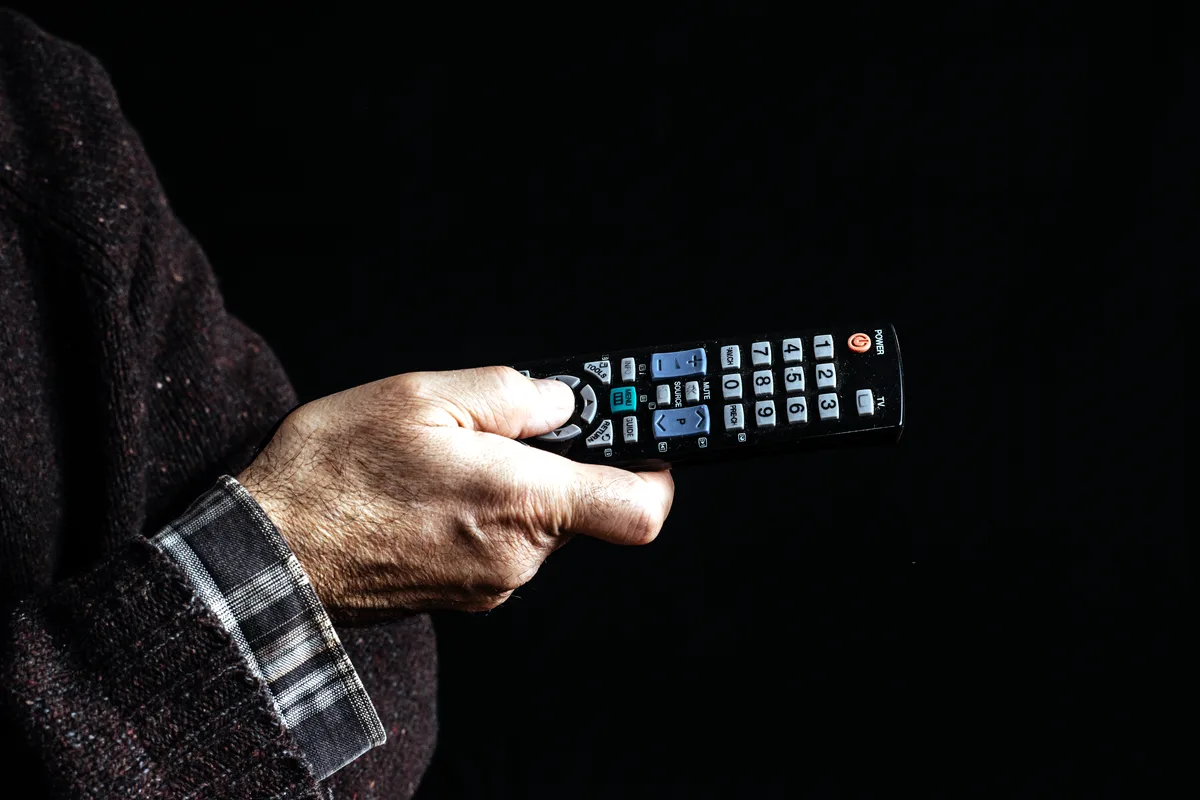
A standard remote carries forty or more buttons because it can run a TV, a box, a sound bar, and a disc player. For a parent with weaker eyesight or memory, the buttons that matter, power, channel, and volume, sit inside a crowd of buttons that cause trouble. The Input button is the worst of them: one press lands on a screen with no picture, and there is no clear way back.
Making the same layout bigger does not fix the crowd. A large print remote still has every button, still has an input key, and still lets a channel surfer land on channels that were never watched. The failures in this house are not size failures. They are too many choices, in the wrong order, with no way home.
The working shape is subtraction plus a lock. Few buttons, one power button that turns the TV and the box on and off together so the two never fall out of step, and a favourites list that the family sets once. After that, channel up can only go somewhere familiar, which turns a daily phone call into a non-event.
The fix, in order
The steps run in order, cheapest first. Stop at the step that solves it. The product step is for the cases the free steps cannot finish, and fit comes before brand every time.
Free step
Try the free fixes first
Ask the cable provider whether they offer a large button or senior remote; many hand one out free. At the same visit, look for an input lock or hotel mode in the TV settings, and put a small piece of tape over the Input button if the remote allows it. For some parents this is the whole fix.
The product step
Set up the Flipper once, in person
Program it to the TV and the box using the maker's code search, set the favourites list to the channels your parent actually watches, and slide the cover shut over the setup buttons. Do this in the room, with your parent trying it, not by post. The setup is the fiddly part of this product, and it should only happen once.
The product for this step
Flipper Big Button Remote
Habit step
Leave the way back written down
Write the three things that still go wrong on a card by the TV: what to do if the screen is black (check the box light, press power once, wait), and your phone number. A new remote cuts the calls down. The card covers the rest.
The evidence, in tiers
Tier 1 · The method
The method is the one the senior care shelf uses for this problem: reduce the control surface to the functions the person uses, sync the power of the two devices so they cannot fall out of step, and lock the channel list to favourites. Setup follows the maker's code list for the TV and box in the house. The infrared limit is a fact of the technology, stated in the verdict because it decides the fit.
Tier 2 · This product
The Flipper holds 4.5 stars from 374 reviews at AlzProducts (November 2026), a specialist retailer for senior and memory care, which names it its recommended product in this class. Two hands-on roundups of senior remotes read for this guide also place it first in class, on the strength of the favourites lock. We have not set one up for this guide. The Amazon record for this remote is larger, but it was not read first hand for this page, so no figure from it is printed here.
A specialist retailer's record of a few hundred reviews, from buyers shopping for a parent or a spouse, is worth more for this product than a bigger general record would be. These are the right buyers, and their complaints, covered below, are about setup and channel speed, not about the idea.
Tier 3 · What owners report
Owners describe the weekly 'the TV is broken' calls stopping once the favourites were set, and parents who had given up on TV using it again. The complaints repeat three points: the first setup takes patience and sometimes several code tries, channel changes are slower than on the original remote, and a few boxes and TVs are not in the code list at all.
The alternatives, conceded where they win
| Option | What it is | The honest verdict |
|---|---|---|
| Flipper Big Button Remote | A few large buttons, dual device power, favourites lock, setup buttons hidden under a cover | The pick where viewing runs through a TV and a cable or satellite box: it removes the failure buttons instead of enlarging them, and it carries the strongest record in this class. |
| A big button learning remote (GE BigEZ class) | A large print universal remote that copies another remote's buttons | Bigger buttons, same crowd. It helps a parent whose problem is eyesight alone, and it is named here for that case. Its own store record was not read for this guide, so it carries no score on this page. |
| The cable provider's own senior remote | The large button remote several providers issue on request | Free, and the first thing to ask for. Where the provider offers one, it covers the basics at no cost. It usually has no favourites lock, which is the feature that ends the lost place problem. |
| Tape over the Input button, and the TV's input lock | The free method: cover the trap button, lock the input in settings where the TV allows | Free, and worth doing today, on the remote already in the house. It fixes the worst single failure and nothing else, which is why it is a step in the ladder as well as a row here. |
The honest price comparison
Ask the provider for the free remote first, and do the tape and settings step on the same visit. Spend on the Flipper when the problem is the whole layout, the lost place, and the two devices falling out of step, because the favourites lock and the shared power button are what you are paying for. If the house streams its TV, spend nothing here at all.
Where it falls short
The weaknesses below come from the product's own review record: the complaints buyers report after real use at home.
- It does not do streaming. There is no way to browse apps or menus with it, by design. A streaming household that buys it has bought the wrong product, which is why the boundary sits in the verdict on this page.
- Setup is the weak point in its own record. Finding the right code can take several tries, and some TVs and boxes are not covered. Set it up in person and keep the original remote in a drawer for the jobs the Flipper cannot do.
- Channel changes can feel slow. The remote sends its signals with a pause some owners notice, and a fast channel surfer will find it lagging compared to the original remote.
- It runs two devices, the TV and one box. A sound bar, a disc player, or a second box stays on its own remote, or stays off. Households with more gear than that are outside what subtraction can solve.
The product, in short
Flipper Big Button Remote
Questions people ask next
Will it work with a Roku or Fire TV stick?
No. Those devices are run through on-screen app menus, and many use remotes that do not speak infrared. The Flipper is for a TV plus a cable or satellite box. For a streaming house, look at the TV's own simple or accessibility settings instead.
What if my parent's box is not in the code list?
Try the maker's code search, which steps through codes until the box answers. If nothing takes, the remote cannot run that box, and the retailer's compatibility promise is the route back. Check the box brand against the maker's list before ordering where you can.
Can one button really turn both the TV and box on?
Yes, that is the design: the power button is set to send both signals, so the TV and the box come on and go off together. The two falling out of step, TV on with the box off, is the most common cause of the black screen call, and this removes it.
My parent has dementia. Is this the right call?
For many families it is the standard one, because there is so little left to get wrong: big buttons, few choices, and channels that only go to familiar places. Set expectations with the setup visit, keep the written card by the TV, and keep the old remote out of the room so the new one becomes the only habit.
AlzProducts listing record for the Flipper Big Button Remote (November 2026) · Flipper product paperwork: code list, favourites setup, and battery requirements · Hands-on senior remote roundups read for this guide (November 2026)
The Fix JournalCase 09Aging & Accessibility