Cables All Over My Desk
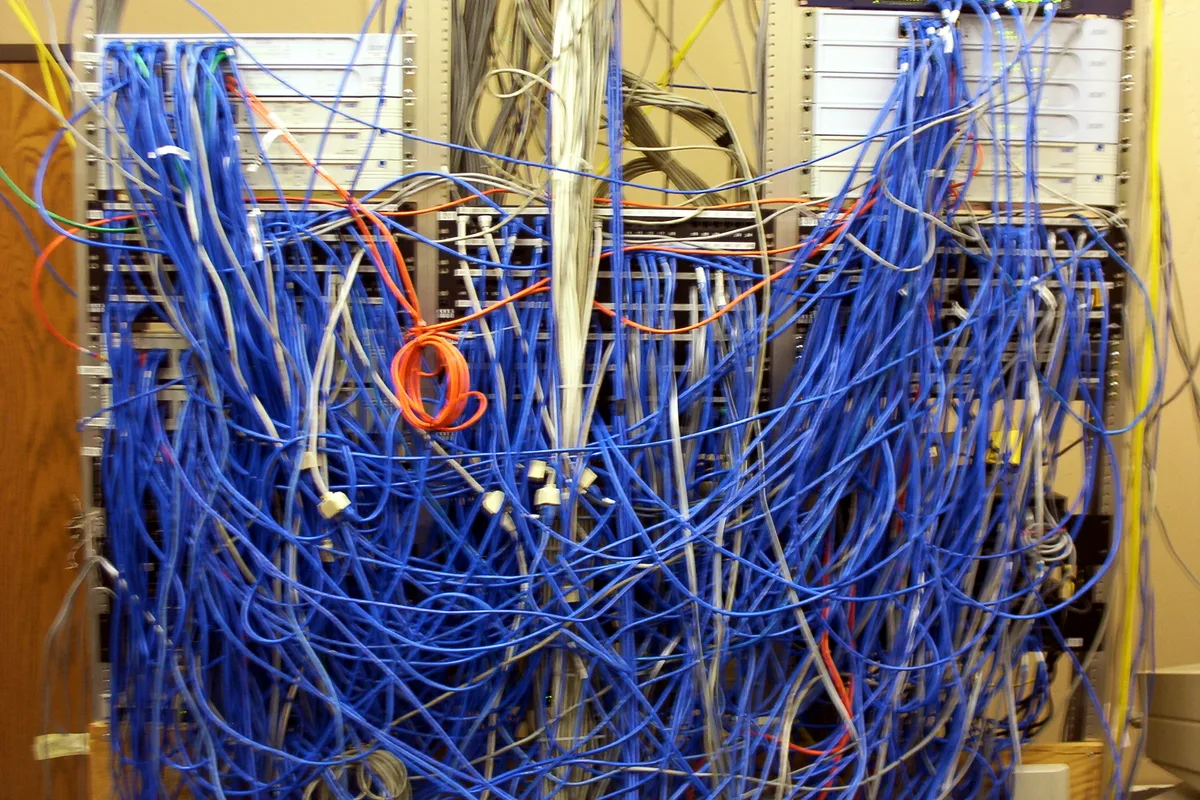
Charging bricks, loose cables and a power strip sprawled across and under the desk
The short answer
Cable mess comes from having no system, not from lacking a product, so this page recommends a system, not a single hero box: one fixed path, the power strip mounted off the floor, slack coiled at the strip, raceway along the path, and ties where cables drop down to devices. The Wire Trak kit is the main piece, named because Walmart features it in its own cable management roundup, but no review figure is printed for it, because none could be verified at source for this guide. The known flaw is printed with it: adhesive mounts let go on textured paint and warm surfaces, so screws carry anything that matters.
Why does this happen?
Every device arrives with its own brick and its own cable length, and a desk with no planned path accumulates all of them at random. The mess is not a character flaw; it is the default outcome of adding devices one at a time.
A fixed path changes the habit: cables enter the path at the strip, travel it once, and drop at their device. Slack lives in one coil at the strip instead of in loops across the desk, and the next device joins the path instead of starting a new sprawl.
Adhesive is the weak material in most kits. Foam pads fail on textured paint, orange peel drywall and warm under desk surfaces, which is why so many tidy desk photos are followed, weeks later, by a raceway hanging from one end.
The fix, in order
The steps run cheapest first. Stop at the one that solves it, and skip the rest; the product is there only for where the free steps run out.
Free step
Unplug everything and lay one path
Strip the desk bare. Decide the single route from wall outlet to strip to devices, and label both ends of every cable with tape flags as it comes out. The labeling takes ten minutes and saves the whole job twice over.
Free step
Mount the strip, coil the slack
Screw the power strip under the desk or to its back edge, off the floor and out of the dust. Coil each cable's spare length at the strip and tie the coil, so every drop leaves the path at exactly the length it needs.
The product step
Run the raceway along the path
Fit the Wire Trak channels along the planned route with its corner and joiner fittings, screw mounted anywhere the run carries weight or warmth, and close the covers. Finish with velcro ties at the drops and clips at the keyboard and the phone charger, where cables move every day.
The product for this step
Wire Trak cable management kit
The evidence, in tiers
Tier 1 · The method
The method follows basic electrical housekeeping as much as tidiness: power strips off floors and out of dust, no daisy chained strips, bricks left with air around them rather than buried in cable coils. Raceway specifications, channel sizes and fitting types, come from the maker's documentation.
Tier 2 · This product
No review figure is printed for the Wire Trak kit because its numbers could not be verified at source for this guide. Its shelf record is real and is stated as what it is: Walmart features the kit in its own published cable management roundup. We have not wired a desk with this kit for this guide, and no claim is made here that we have. The recommendation rests on the system design, which any equivalent raceway can execute.
Kits differ mainly in channel width. Count your bricks before choosing: the wide channel swallows a laptop brick, the slim one does not, and that single measurement decides most returns in this category.
Tier 3 · What owners report
Owners of raceway systems report the channels staying put on smooth painted walls and desks for years. Detachment complaints gather on textured surfaces and under desk runs above warm equipment, which is why the ladder screws down the runs that carry weight and uses adhesive only to hold pieces in place while you work.
The alternatives, conceded where they win
| Option | What it is | The honest verdict |
|---|---|---|
| Wire Trak raceway kit | Channel, corners and joiners for a fixed path | The pick for visible runs along walls and desk backs: paintable, openable, permanent. |
| Under desk cable tray | A wire basket screwed beneath the desk | Hides the strip and bricks completely, and makes changes slower. The better choice where nothing may show; the raceway wins where runs travel beyond the desk. |
| Cable sleeve | A zippered tube bundling loose cables | Tames a bundle in minutes and the bundle still sprawls as one thick snake. A good finisher, not a path. |
| Velcro ties alone | Reusable cable ties | The finishing part of every system on this page, and no system by themselves. Ties organize cables that already have somewhere to go. |
The honest price comparison
Photograph the finished installation. When the next device arrives, match the photograph: one new drop from the path, not a new sprawl beside it.
Where it falls short
What follows is drawn from the product's own review record: where buyers say it falls short after real use.
- Adhesive pads let go on textured paint and warm surfaces; screw the runs that matter.
- Raceway is visible by design. Paint softens it; it does not vanish like a tray hides cables.
- A full kit costs more than the bag of ties everyone tries first, which is why the ties are bought first and the kit second, by almost everybody.
- Reworking a run means opening channels and re-cutting lengths. Plan the path once, carefully.
The product, in short
Wire Trak cable management kit
Questions people ask next
I rent. Can I do this without screws?
Mostly: adhesive raceway on smooth painted surfaces, a tray that clamps to the desk edge, and ties everywhere. Keep the runs light, and expect to re stick a pad at the season change.
What changes for a standing desk?
One thing, and it is structural: leave a slack loop between the desk path and the wall outlet, sized for full height, ideally inside a vertical raceway section. Everything else is identical.
Do the power bricks get hot inside a channel?
Bricks belong in the open air under the desk or in the tray, not sealed inside raceway. The channel carries cables; bricks sit at the strip where air moves.
Can the raceway be painted?
Yes; that is one of its selling points. Paint after fitting, with the covers closed, and it reads as part of the trim.
Walmart cable management roundup, featuring the Wire Trak kit (November 2026) · Wire Trak product documentation · Electrical safety guidance on power strip placement
The Fix JournalCase 05Desk & Office